Release Notes
Spine v2.0.0
April 10, 2026
v2.0.0 - HandSDK, Firmware Update, Licensing System
#Overview
Spine v2.0.0 is a major update that includes an authentication system, firmware updates, HandSDK integration, and Android support.
It has expanded from a single-purpose tool into a device management and license-based platform.
#Authentication & Licensing
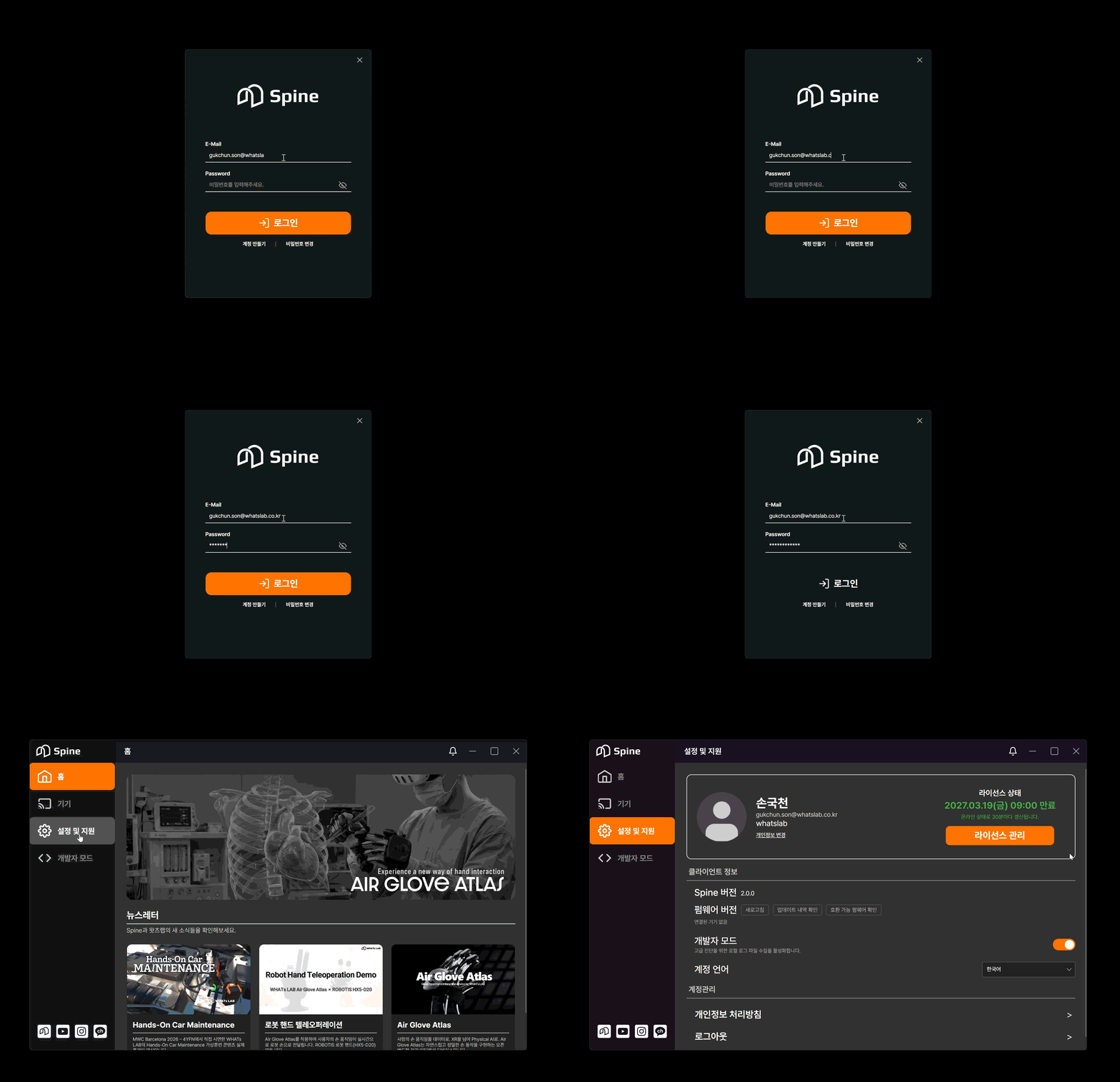
- Added a server API-based login system
- Issues a token and performs license validation upon login
#Seat-Based Access Management
- Separate seats per OS (Linux / Windows)
- Feature access restricted based on seat allocation
#Offline Mode Support
- 7-day valid Lease issued upon successful online login
Lease Validation Items
- Signature
- Expiration time
- HWID (unique device identifier)
Security Policy
- Re-login required when switching from offline to online
- Switching from online to offline is allowed
- Auto-login supported when running offline
#Android & Standalone Support

- Added Android platform support
- Standalone execution available on Meta Quest 3
- Can be used with a direct connection to the Atlas device
- Supported in mobile environments
#HandSDK Integration
- Applied HandSDK and added OSC transmission feature
- Improved from raw sensor data to HandSDK-converted data
- HandSDK On/Off control available in internal builds
#Developer Mode
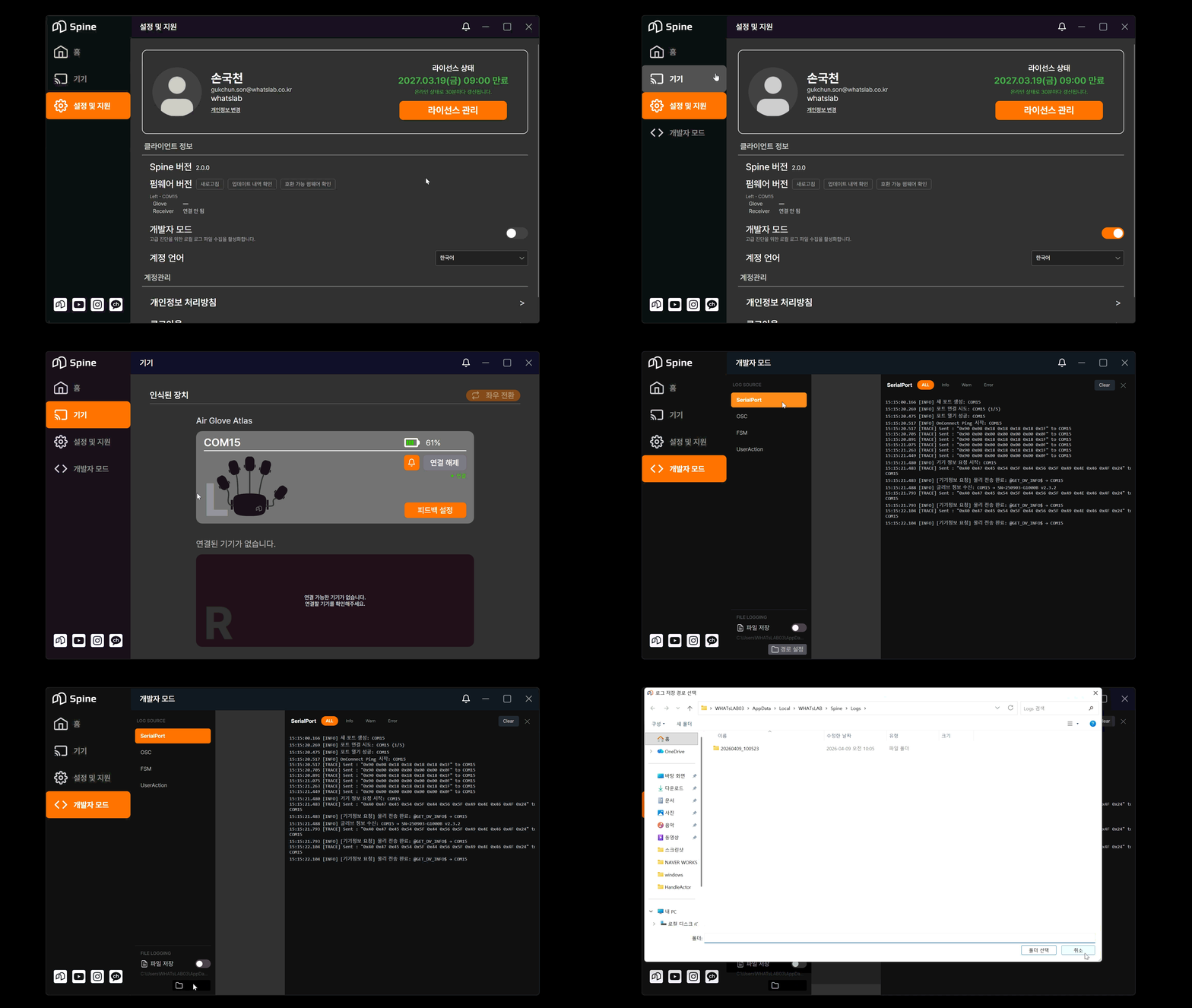
- Added Developer Mode activation feature
- Developer tab exposed when activated
#In-App Log Viewer
- Logs can now be viewed in real time inside Spine, instead of file-based logs
- Instantly accessible without opening log files
#Log Management
- Added option to choose whether to save log files
- Log save path can be customized by the user
#Firmware Update System
- Added feature to view connected device information
- Serial Number
- Firmware Version
- Compares with the latest firmware via server integration
- Detects and notifies use of incompatible firmware
#Update Process
- Download the latest
.hexfile binary (not saved to disk) - Perform flashing using
avrdude
- Firmware information available in the Settings tab
#Build Configuration
#Distribution Build
- Sensitive logs removed
#Internal Build
- Auto-login feature
- Extended detailed log output
- HandSDK on/off feature
- Added corrupted firmware recovery feature