Release Notes
Spine v2.4.0
September 1, 2026
#Spine v2.4.0 Release Notes
User Menual URL : https://whats-lab.notion.site/Spine-3437b4ac0a79805bb6bef4bbeaac3468
apk Install Menual URL : https://whats-lab.notion.site/Spine-apk-3ce7b4ac0a798046a2c4f6dfde84f58a
Quick Start Guide URL : https://whats-lab.notion.site/Spine-3ae7b4ac0a79802797b0c9c5a28faa07?source=copy_link
#Overview
Spine v2.4.0 introduces the official release of Spine Android, bringing support for general smartphones as well as XR devices including Quest3 and Galaxy XR. This update also adds FBX export to the hand visualization recording feature and simplifies the calibration process.
#New Features
Spine Android Release
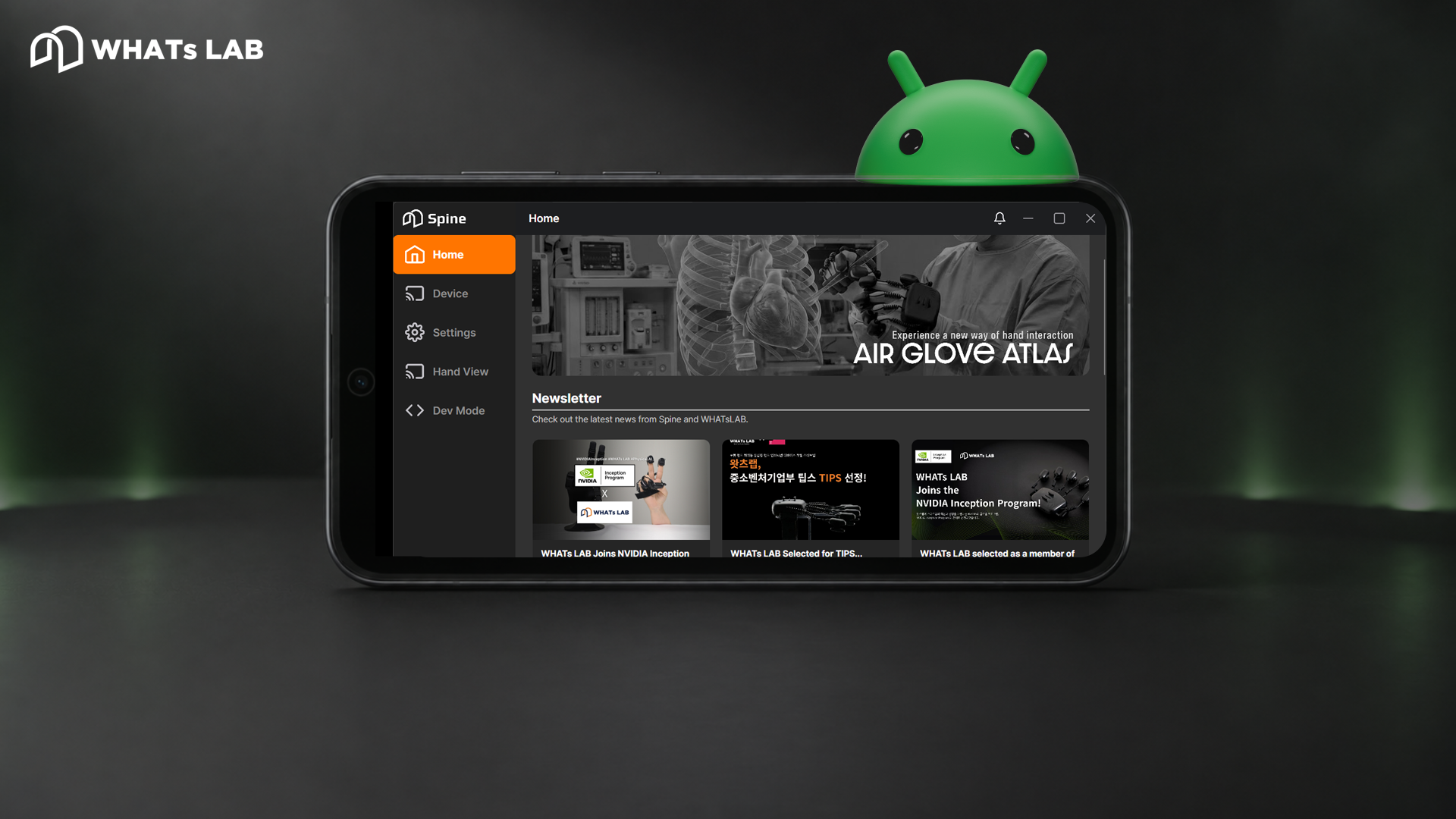
Special Offer for Existing Licensees: To thank our loyal users, anyone currently holding a Linux or Windows license is eligible for a 3-month free trial license for the Android version. Experience Spine in a whole new environment today.
- Starting with this version, the Spine Android app is now available
- Supports general smartphones as well as XR devices such as Quest3 and Galaxy XR
- Please refer to the Installation Guide for setup instructions
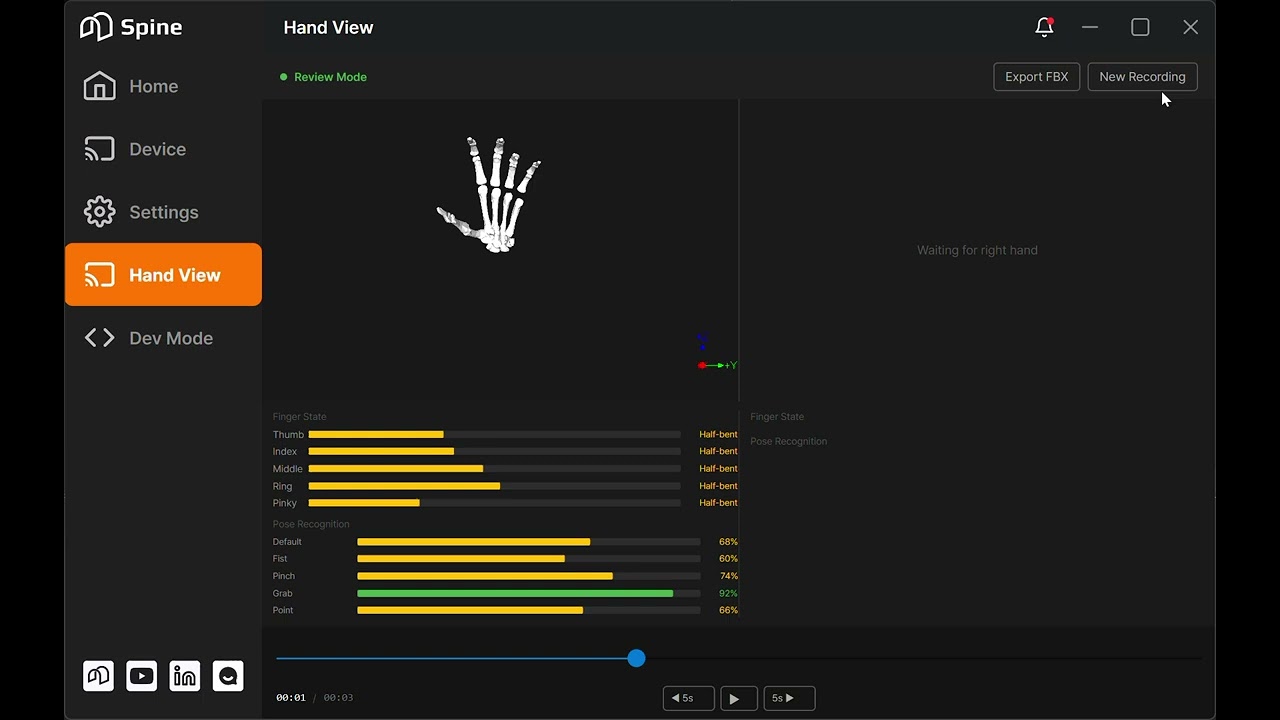
Hand Visualization Recording & FBX Export
Real-time hand visualization is disabled during recording. Please tap the 'New Recording' button to reset your session and use the feature again.
[Unity/Unreal Import Results]
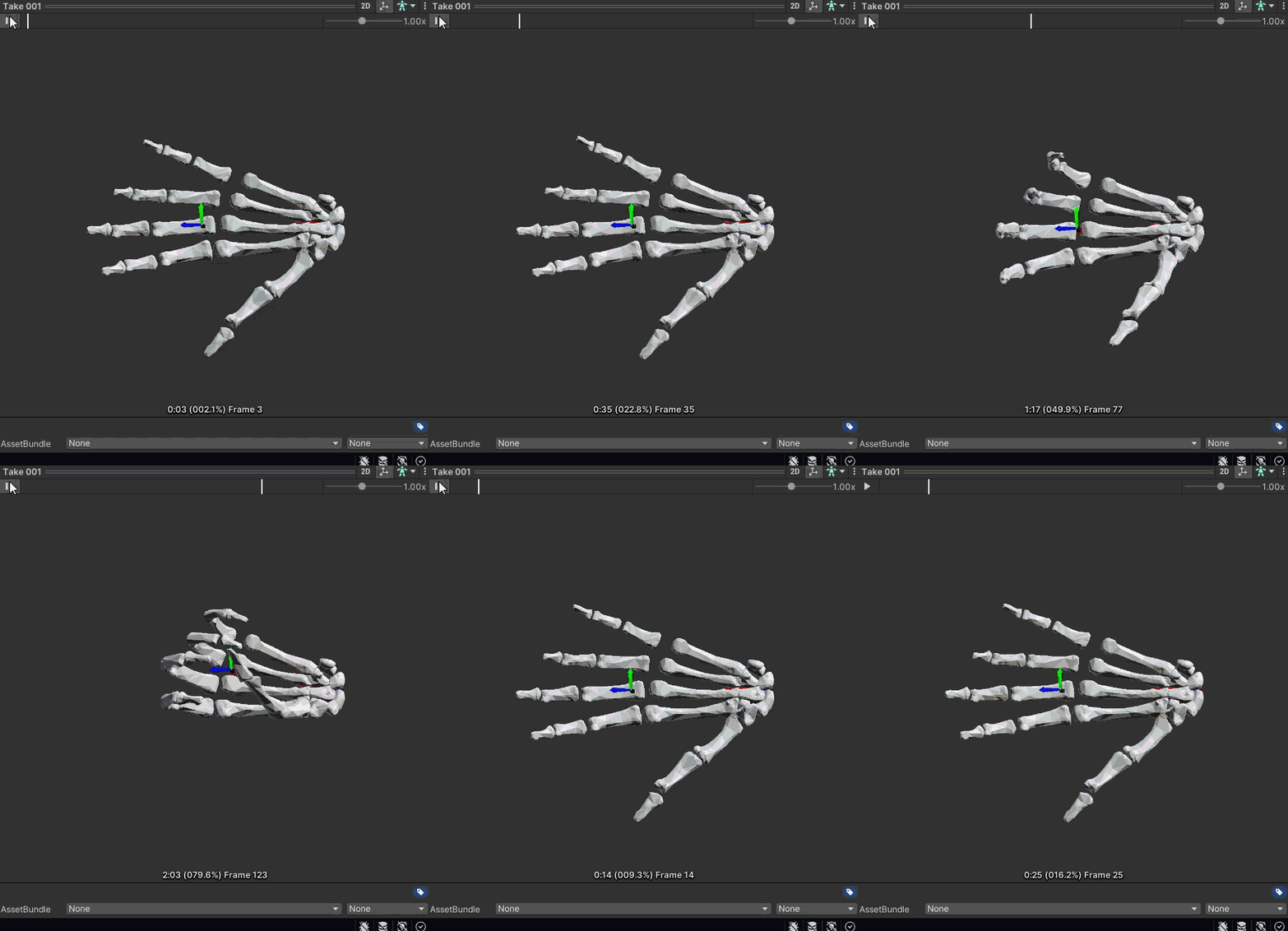
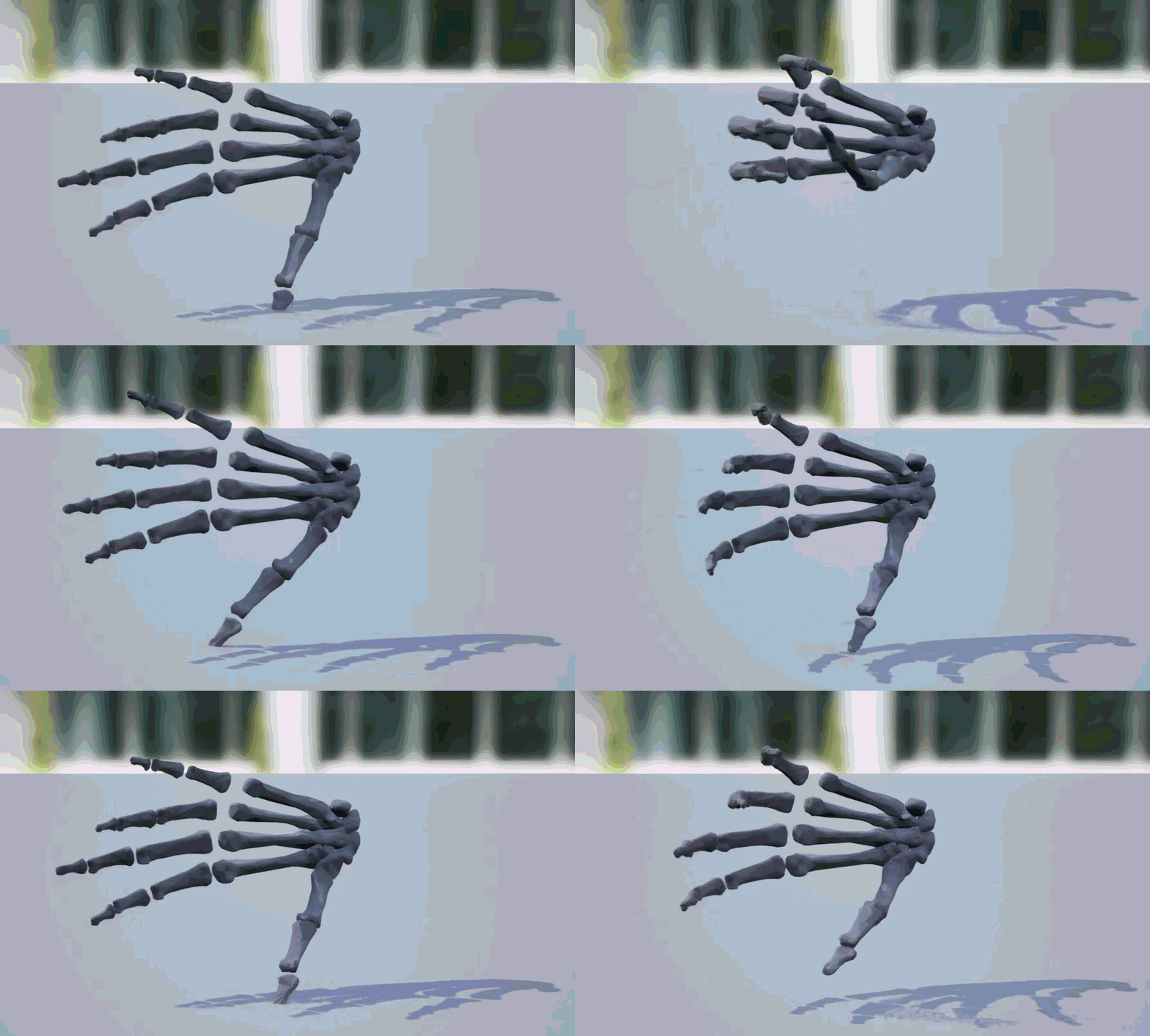
- When exporting, you can select the target engine (Unity / Unreal) and which hand (left/right) to export
Developer Mode - HandSDK / HandViz Sources Added
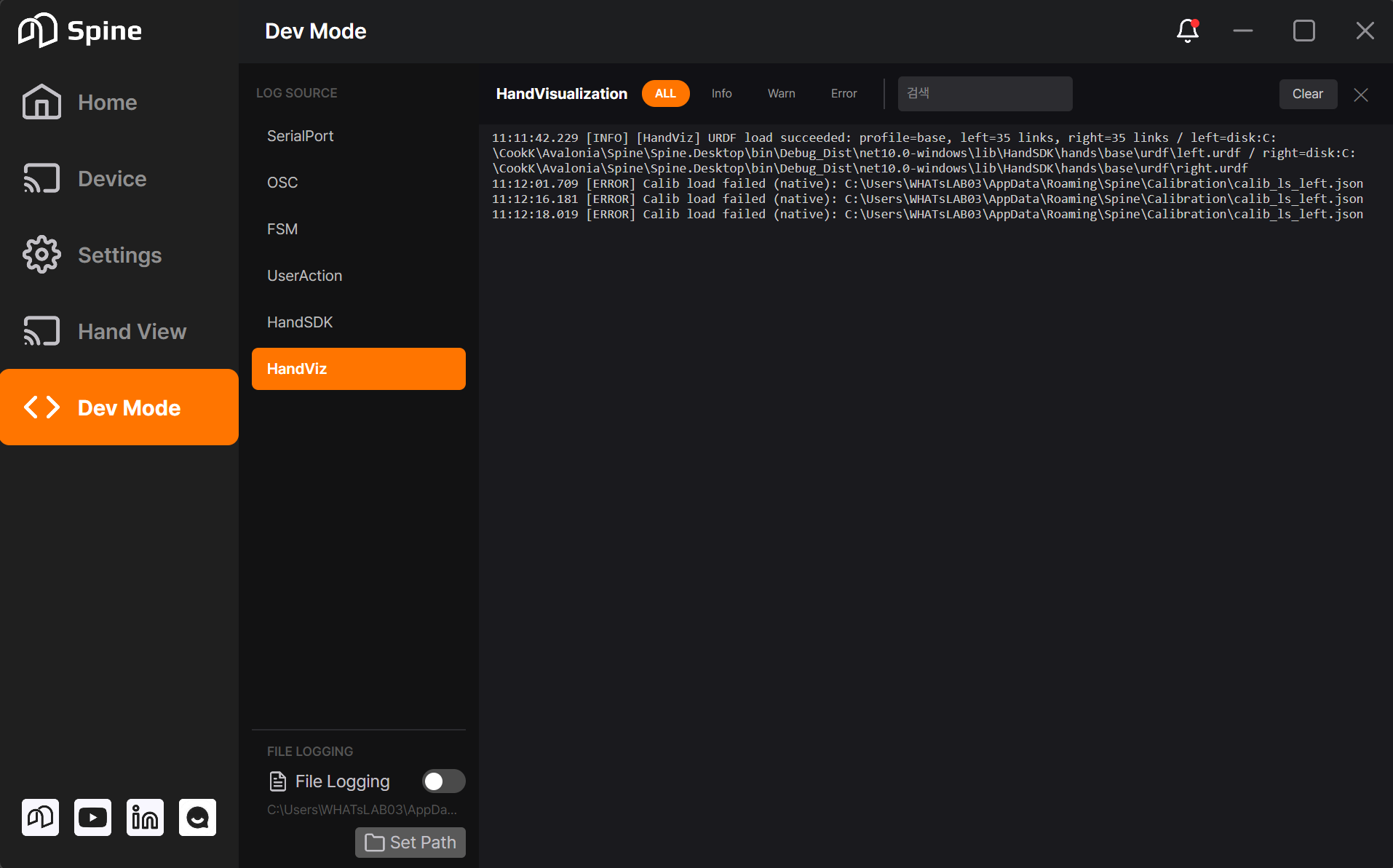
- HandSDK and HandViz items have been added to Developer Mode, providing additional log information related to these components
#Changes
The beta features for HandType and topic posting have been removed.
Simplified Calibration Steps (8 steps → 7 steps)
- The hand rotation step has been removed, so calibration now proceeds through a total of 7 steps
Relocated Transmit Data (Raw/Cali) Setting
!image.png
- The per-hand (left/right) calibration on/off toggle that previously existed on the Hand Visualization screen has been removed
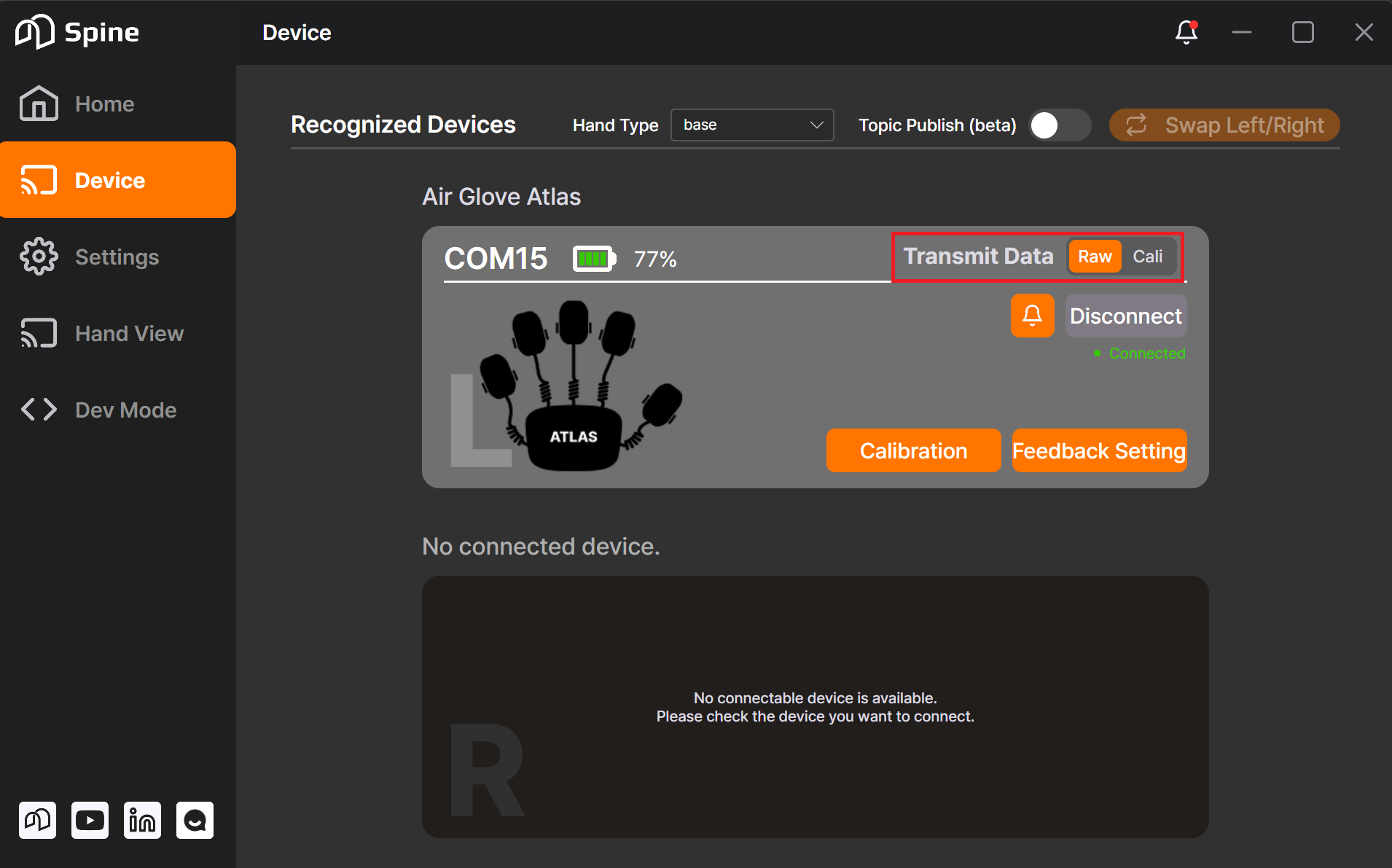 ting now lives in the Device tab, where you choose whether transmitted data is Raw or Calibrated